


Join Rewards
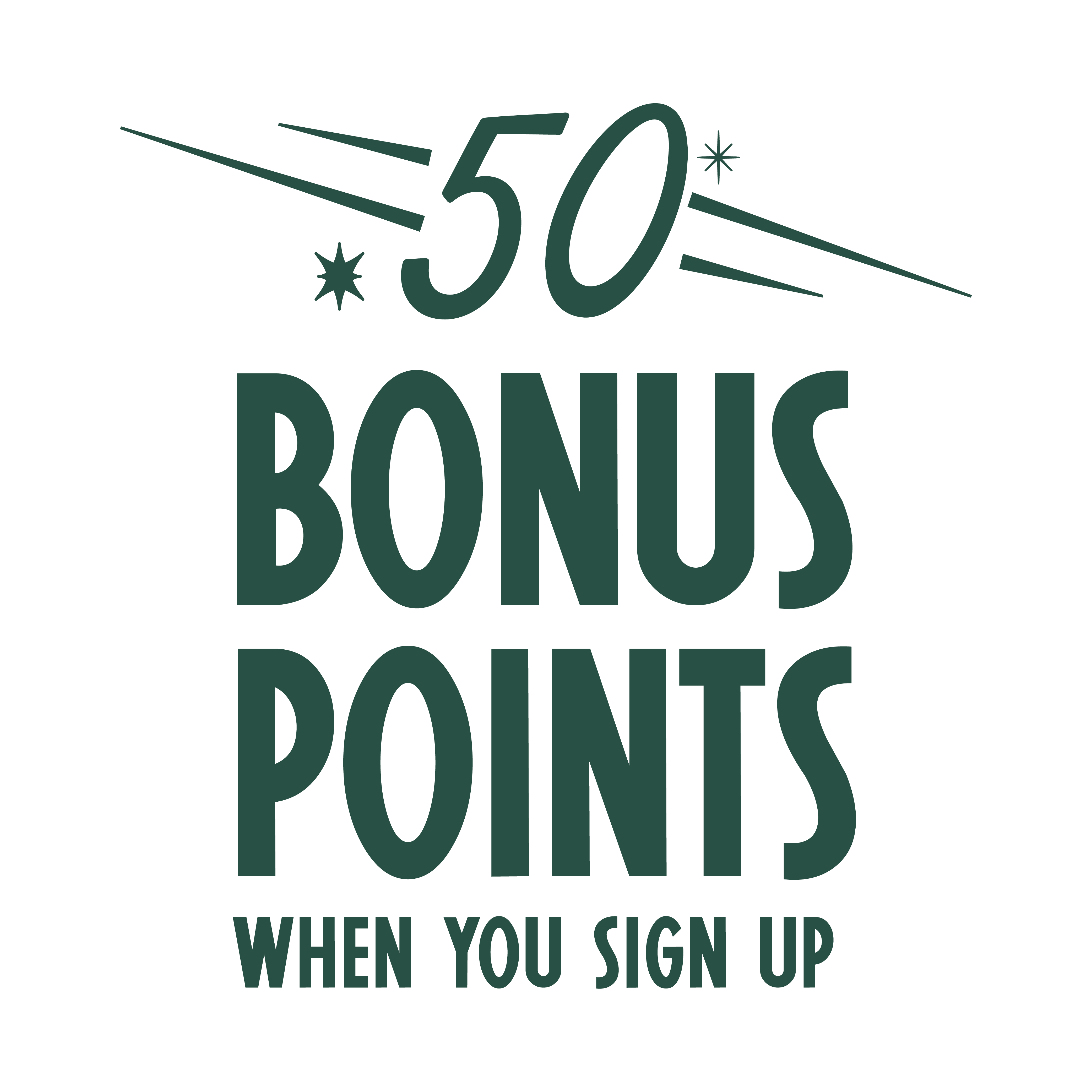
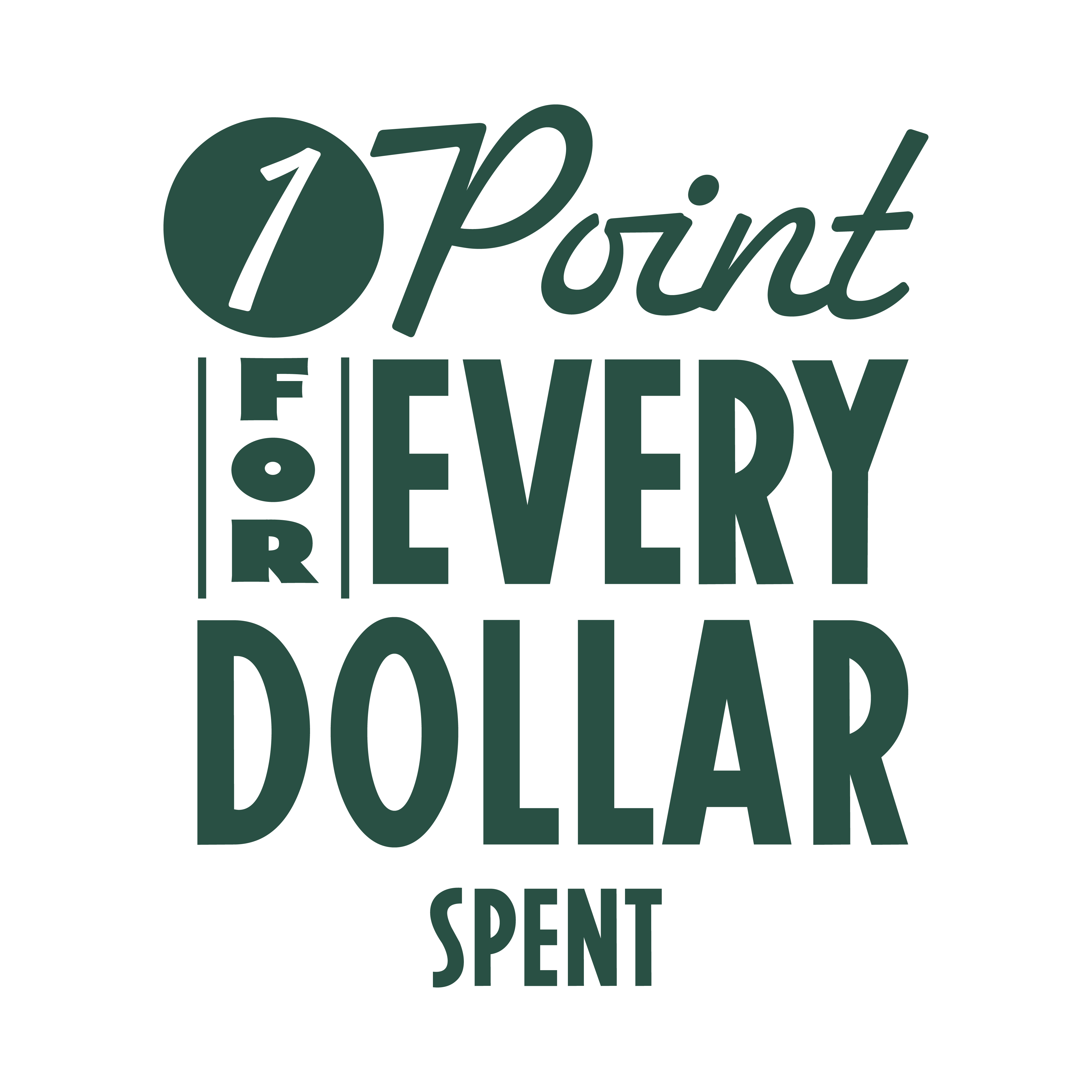
Start earning exclusive rewards and discounts! It's free and easy to sign up, so don't miss out on the benefits!
Rewards Hub
Log in to edit personal information, refer friends for additional rewards, sign up for promo notifications, or view transactions.
GIFT CARDS
Give the gift of Prince Street Pizza, perfect for birthdays, celebrations, or just because everyone deserves a great slice.
Submit an inquiry form here or contact your local Prince St. for more information.
- Click the 'Sign Up For Free' button on this page.
- You will be asked to enter your name, birthdate, email address, phone number, address, and favorite location.
- Create a password.
- You're signed up!
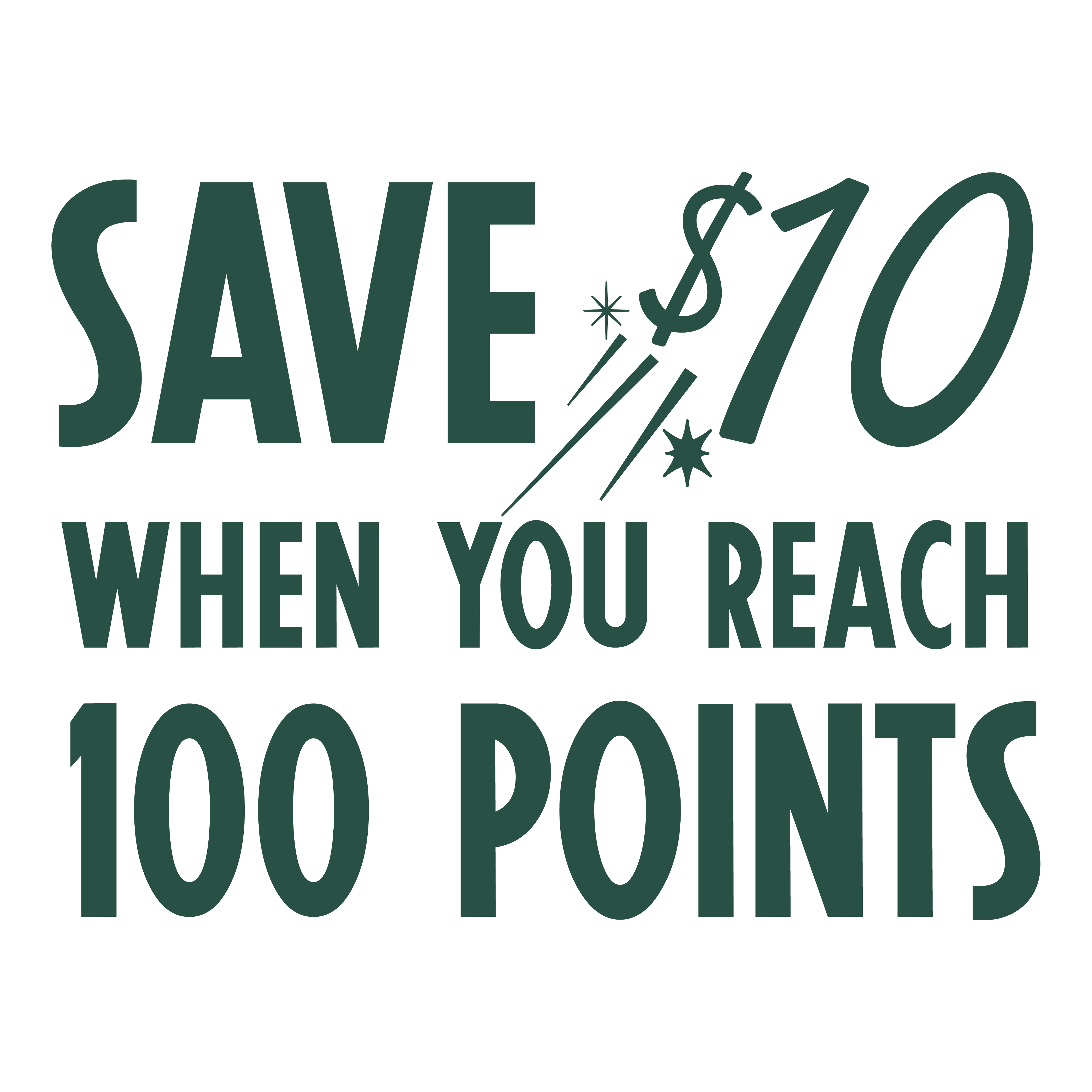
Once you’ve earned enough points, you'll automatically unlock special rewards over time! Rewards will automatically appear in your account once they become available.
We updated our loyalty program in March 2026. To access the new experience, you’ll need an email address on file.
If your email was already associated with your account, you should receive a password reset email automatically. If you don’t see it, you can reset your password manually by following the instructions in the next FAQ section. Be sure to use the same email previously linked to your Prince Street Pizza Rewards account with Toast.
If you’re unable to reset your password or log in, don’t worry—your account and points are still there. This usually means we didn’t have an email address on file. Simply sign up again and enter the phone number associated with your previous rewards account. Once you enter your phone number, we’ll recognize your account and you can complete the remaining fields to finish setup.
If you’ve tried both options and still need help, please submit an inquiry form and we’ll get back to you as soon as possible.
- Go to the Prince St. Pizza Rewards:
- Look for a link or button that says "Forgot Password," "Reset Password," or something similar. This is usually located near the fields where you enter your username and password.
- Click on the "Forgot Password" link. You will be asked to enter the email address associated with your account.
- After submitting your email address, check your inbox for a password reset email. This email will contain a link or instructions on how to reset your password.
- Follow the instructions in the email to set a new password. It's important that the email address you enter is the one associated with your account. If you don't receive the password reset email within a few minutes, check your spam or junk mail folder.